

As much as I love Ubuntu, the Ubuntu Touch experience has sadly not been a satisfying one.

Lately, UbPorts proudly announced that new devices were now supported by Ubuntu Touch, including the Redmi Note 9 Pro, which is still a great phone, and which I use regularly as a second device.
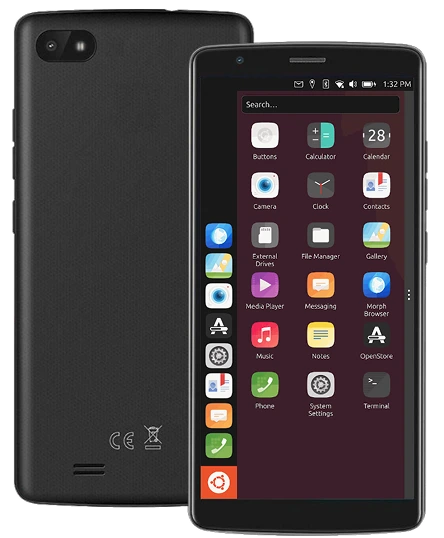
Ubuntu Touch really looks interesting. Image source : https://ubports.com/
So I decided to try Ubuntu Touch using UbPorts-installer on my Ubuntu desktop computer.
First I had to unlock the bootloader, which requires a seven days waiting period due to Xiaomi security measures (yeah, that was long).
Once this days of impatiences were over, I could finally launch the procedure, and that where thing went sour.
Booting into Fastboot mode was easy, but then the installer first got stuck at “adb looking for devices” despite changing the USB cable many times, unplugging it, changing ports, etc.
And then, probably because of many interrupted processes, and crashes of the installer, the phone was stuck on the Mi logo bootscreen, a soft brick.
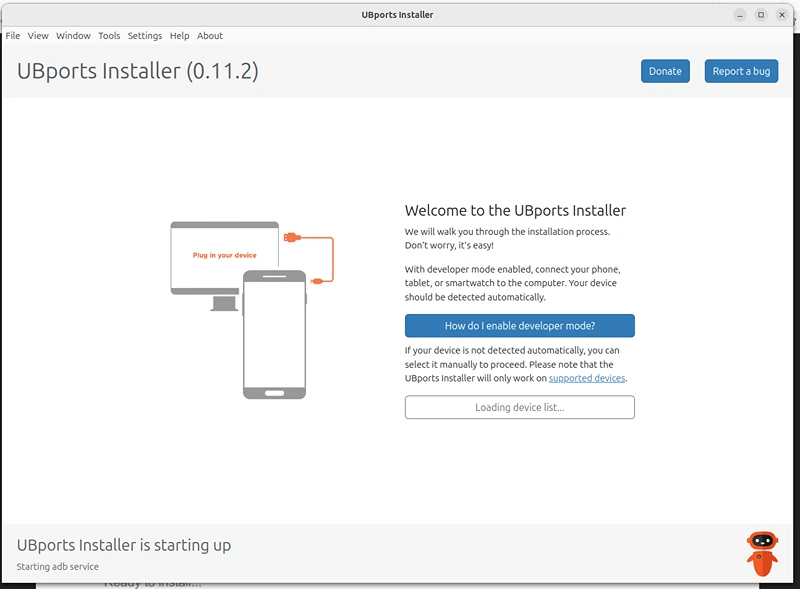
My experience with Ubports installer was not really satisfying. (Interrupted flashing processes caused a softbrick)
Now, I know that most problems come from the user, me in this case, but I knew what I was doing, and had indeed followed the instructions carefully, the only reason that I see could be that I had an European MIUI ROM, and that UbPorts was made for the Global ROM, but maybe the installer could be clearer on this (And I’m not even sure that’s the cause of the problem)
How I saved the phone from the Mi Logo soft brick ?
After trying, without success to install the original MIUI ROM, which led to repeated dbto flash errors, and trying my luck with Droidian, which gave another error, I decided to flash the phone with Lineage OS.
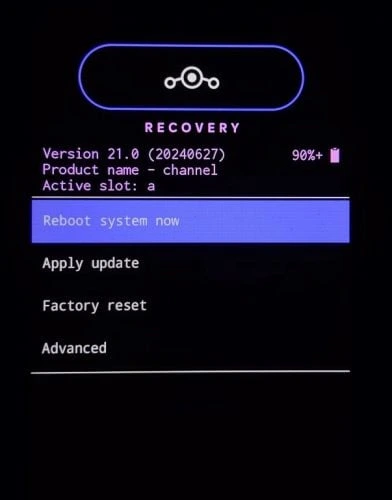
When I saw this, I understood my phone was saved.
It’s quite easy on Ubuntu, as adb is installed by default, just plug your phone, put it in fastboot mode and follow the instructions from the LineageOS Wiki (https://wiki.lineageos.org/devices/miatoll/install/variant3/ for the Redmi Note 9 Pro (Global)
In the end, I don’t exclude trying again, but I think the UbPorts installer might have some bugs with USB, which led to interruptions of the flashing process and the softbrick.
Now if you end with a softbrick, don’t panic, you can get out of this and rescue your device.
In the end, the Lineage OS installation was much clearer, despite it being in command line. (No graphical user interface).
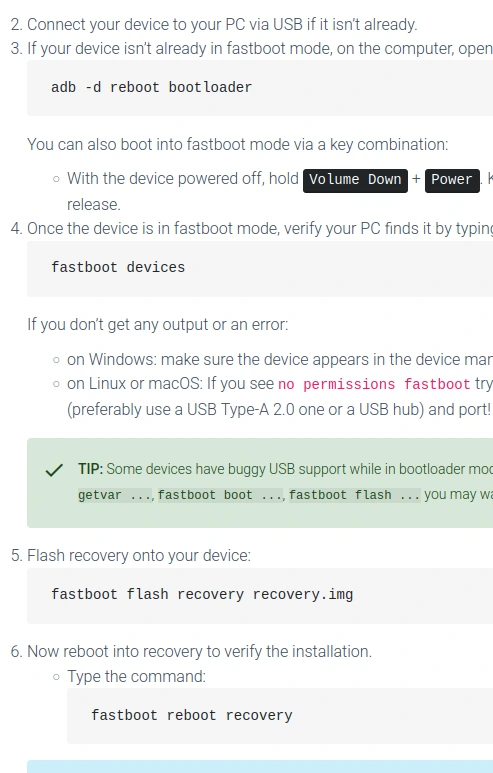
The instructions from Lineage Os Wiki, despite being in command line, they are actually quite simple so don’t be afraid to try.
Lineage OS looks nice and is quite snappy, but I really wanted to see Ubuntu touch, or at least a non-android Linux OS on a phone. So maybe I’ll try again, probably without the UbPorts installer which I disliked, I think I’ll just check out Postmarket OS or Droidian, but I’ll do it all in the terminal.
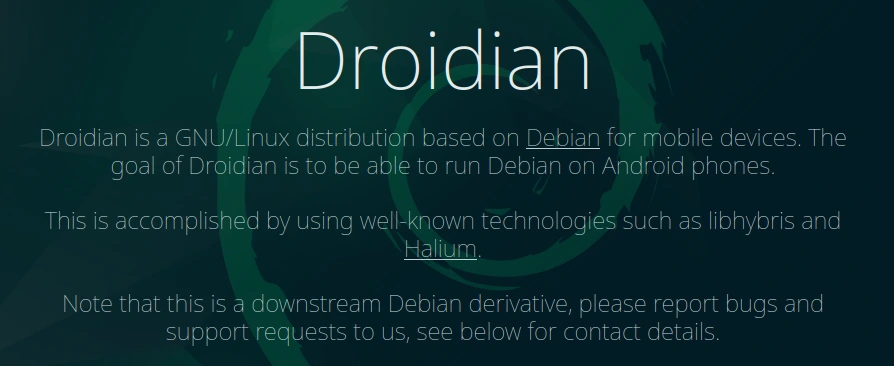
Despite being closely linked, the Droidian installation process differs from Ubuntu Touch. (Screenshot of https://droidian.org/)